
A construction intelligence system for DCOD
RFIs, submittals, site instructions, change notices, meeting minutes, schedules, cost updates, emails, photos, drawings, approvals, and field observations all carry important project information.
But records alone do not create control.
Most teams collect the information. Fewer teams connect it across scope, schedule, cost, responsibility, decisions, and downstream impacts.
Novologic was built to close that gap.
How one issue becomes a project impact
A variation may start small: a clarification, an unforeseen condition, a late approval, a field instruction, a changed quantity, or a missing detail.
If it is not captured, assessed, routed, documented, and resolved properly, it can trigger connected impacts across the project.
Variation Event
Scope Impact
Time Impact
Cost Impact
Dispute / Claim Risk
A construction intelligence system for DCOD
DCOD = Delays, Cost Overruns, and Disputes arising from Variations
Novologic is designed to help project teams manage variation events from first signal to final resolution.
It brings together:
Instead of rebuilding the project story after problems escalate, Novologic helps teams structure the information as the project unfolds, including what happened, why it happened, who was involved, what it affected, and what should happen next.
Novologic turns scattered project records into a connected project story that can support decisions, approvals, reporting, and resolution.
Explore how Novologic works
This product tour is organized into six guided sections. Each section introduces one part of the Novologic workflow and shows how project information moves from scattered records to structured project intelligence.
Use this page to understand the platform before a demo, review the core workflows, and see where each feature fits in the larger project management process.
VET: Variation Event Tracker
Capture, assess, route, approve, track, and close variation events.
Cause & Effect Funnel
Understand how one event affects scope, time, cost, and downstream work.
Chronology & Audit Trail
Build a defensible project history as decisions are made.
Notices, Records & Project Drive
Generate, organize, and track notices, evidence, documents, and project records.
Dashboards, Views & Reporting
See project status, portfolio activity, team visibility, and project-level dashboards.
NX AI Layer
Use AI summaries, intelligent intake, and roadmap AI features to reduce manual effort.
How Variation Event Tracker (VET) manages variation events from first signal to resolution
VET helps teams capture, assess, route, approve, track, close, and report variation events while keeping records, stakeholders, decisions, and impacts connected.
Understand the full chain of cause and effect
On real construction projects, the important question is rarely just:
"Was there a change?"
The harder questions are:
Novologic's Cause & Effect Funnel
Helps project teams connect the full sequence
Trigger / Preceding Cause
The initial event or condition
Variation Event
The official variation is recognized
Scope / Time / Cost Variation
Impacts to project parameters
Downstream Ripple Effects
Consequential impacts across the project
Dispute / Claim Risk
Unresolved variations create escalation
Novologic helps teams move from scattered records to a connected project story.
Watch the Novologic Feature Tour
Project & Portfolio Dashboard
Start with a clear view of your projects, teams, statuses, and key project indicators.
Novologic helps users view multiple projects at once, filter project status, and move quickly from portfolio-level visibility to project-level detail.
What it helps with
→ Give leaders a fast, practical view of where attention is needed.
Three ways to understand project data
Novologic is designed to support different working styles. Each major screen can provide three perspectives:
Tabular View
Use it for:
- Sorting
- Filtering
- Searching
- Detailed review
- Data entry
- Validation
- Record management
Efficiently manage detailed project information.
Dashboard View
Use it for:
- Trend review
- Performance tracking
- Executive reporting
- Risk visibility
- Team meetings
- Project controls
Convert detailed data into visual project insight.
AI Summary View
Use it for:
- Quick project understanding
- Identifying important changes
- Highlighting risks
- Summarizing open items
- Surfacing decisions needed
- Reducing manual review time
Understand project status and priorities in seconds.
Project Records and Evidence
Organize project records, decisions, evidence, notices, and audit history in one connected environment.
Records
Project Register
Unified, searchable project report.
Project Log
Structured log of project activity and communication.
Project Drive
Document and data storage with folders, tags, dashboards, and AI summaries.
Evidence & Reporting
Chronology
Date-based project story and timeline.
Audit Trail
Complete history of actions, responses, changes, and decisions.
Notice Log
Centralized management of generated and issued notices.
Docketing & Export
Docket numbering, PDF export, digital signatures, and annotation support.
Schedule, Delay, and Forensic Features
Connect schedule logic, delay analysis, forensic review, and impact reporting with structured project data.
Schedule
Schedule Logic
Predecessors, successors, relationship types, and lag.
Duration & Date Notation
Planned, forecast, expected, and actual values.
Schedule Viewer
View XER, MPP, CSV, and text-based schedule data.
Delay & Forensic
Duration & Float Counters
Forensic duration and float tracking.
Forensic Analyzer
Cause-and-effect, delay impact, schedule comparison, cost/time impact, and reporting.
NX helps turn project data into project intelligence
NX is Novologic's AI layer. It is designed to help teams capture information, summarize project records, identify risks, route information, generate insights, and support faster decisions.
Some NX features are available now, while others are in beta or on the roadmap.
Working product features that can be shown in the current platform.
AI Summary View
Summarizes key information on the current screen and highlights items needing attention.
VET AI Summary
Summarizes variation event details, status, risk, and next steps.
Features that are being tested, refined, or released to selected users.
AI Ingester
Helps classify uploaded project information and route it to the right module.
Planned capabilities that represent the future direction of the platform.
AI Email Agent
Designed to convert project emails into structured project intelligence.
AI Voice Agent
Designed to help site teams create, update, and retrieve records using natural speech.
AI Chat Assistant
Designed to let users query project data using plain language.
Predictive Analytics
Intended to identify patterns, risks, and potential project impacts earlier.
Novologic's AI roadmap is being developed carefully around construction-specific workflows, project records, user permissions, and human review. The goal is not to replace project judgment — it is to help teams see project information more clearly and act earlier.
What Changes With Novologic
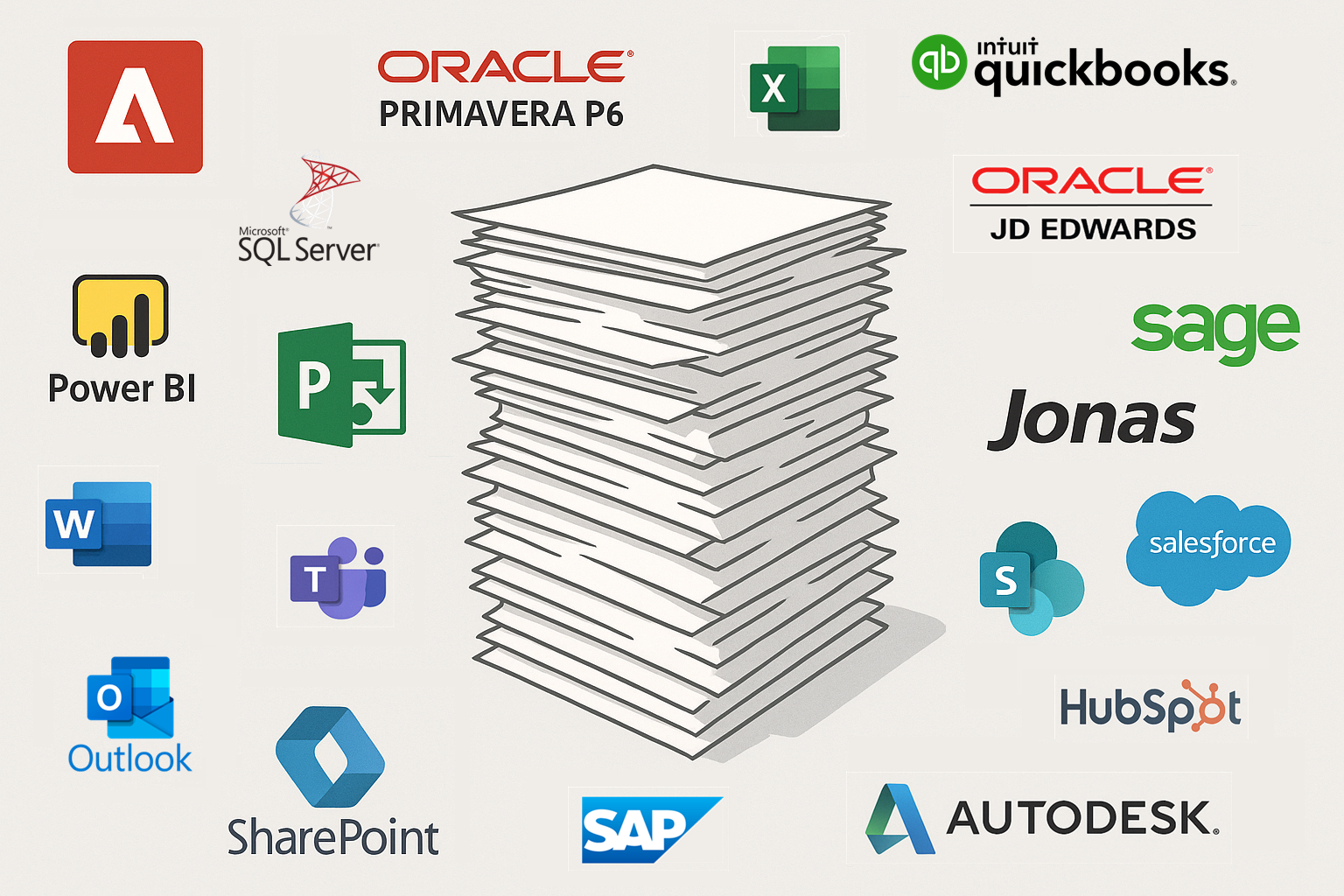
Unified Platform
Variation events are captured consistently
Every change, issue, and event recorded in one central system
Scope, time, and cost impacts are connected
See how variations affect budget, schedule, and deliverables
Stakeholder responses and decisions are tracked
Clear accountability with audit trails of all approvals
Documents, references, notices, comments, and chronology stay linked
Complete project story with all supporting evidence in context
One intelligent system. One source of truth. Complete project visibility.
One application to simultaneously tackle DCOD arising from Variations
Core System
- Ticketing System
- Workflow Management System
- Messaging System
- Collaboration System
Analytics & Insights
- Tracking System
- Reporting System
- Forensic System
- Document and Data Management System
Consolidates functionality of fragmented point solutions into one intelligent system — manages all aspects of the resolution process simultaneously.
Proactive
Predict upcoming variation risks using historical and live project data. Avoid costly issues by surfacing early warnings and suggesting preventive actions.
Responsive
Identify variation triggers across documents, workflows, and communications. Notify the right teams automatically and document every decision, event, and change for traceability.
Strategic
Analyze and assess downstream impacts across cost, schedule, and scope. Plan scenarios powered by AI, collaborate in a centralized workspace, and resolve faster with AI recommendations.
Novologic brings the entire Variation Management lifecycle in one spot
Built for the people responsible for project outcomes
For Owners and Developers
Gain better visibility into variation events, approvals, schedule risk, cost exposure, project records, and portfolio-level issues.
- • Stronger governance
- • Better project visibility
- • Clearer accountability
- • Portfolio reporting
- • Audit-ready records
- • Reduced surprise risk
For Contractors and Construction Managers
Capture and manage variation events before they become unresolved cost, schedule, or documentation problems.
- • Faster issue capture
- • Better change documentation
- • Improved stakeholder routing
- • Schedule and cost impact visibility
- • Stronger project records
- • Cleaner closeout
For Consultants and PMOs
Standardize variation governance across projects, teams, packages, and stakeholders.
- • Consistent workflows
- • Clearer reporting
- • Transparent reviews
- • Issue tracking
- • Better decision records
- • Fewer disconnected logs
For Project Controls Teams
Connect variation events to schedules, milestones, cost impacts, dependencies, risks, and project performance indicators.
- • Schedule visibility
- • Delay intelligence
- • Cost impact tracking
- • Dashboard reporting
- • Chronology support
- • Forensic readiness
For Legal, Claims, and Dispute Teams
Build a defensible record of project events, notices, documents, approvals, responses, comments, chronology, audit trails, and evidence.
- • Stronger chronology
- • Easier evidence retrieval
- • Better notice history
- • Docket-style exports
- • Traceable decisions
- • Claims-ready project records
For Site Teams
Capture field issues, photos, comments, daily information, voice notes, and project updates from the field before details are lost.
- • Faster data capture
- • Better field documentation
- • Mobile-friendly workflows
- • Photo and video records
- • Fewer email follow-ups
- • Improved site-to-office visibility
See how Novologic works on a real project issue
Scenario
A late design clarification changes mechanical routing above a corridor ceiling. The change affects coordination drawings, delays ceiling close-up, requires additional labour, impacts inspection dates, and may trigger a formal notice.
How Novologic Handles It
Capture the variation event
The project team creates a VET record with the subject, description, date, project area, affected package, and initial supporting information.
Attach supporting records
Drawings, photos, RFIs, field notes, meeting minutes, and related documents are linked to the record.
Assign stakeholders
The owner, contractor, consultant, affected subcontractor, and project-controls team are added as active stakeholders or viewers.
Map scope impact
The team identifies what work changed, what additional work may be required, and what existing scope is affected.
Map schedule impact
The team links affected tasks, dependencies, milestones, predecessors, successors, and potential delay paths.
Map cost impact
The team records labour, material, equipment, productivity, rework, and indirect cost considerations.
Review and respond
Stakeholders provide comments, agreement, disagreement, clarification, and supporting records through the workflow.
Generate notice
If required, Novologic helps prepare a structured notice package using the information already captured in VET.
Update chronology and audit trail
The event, documents, decisions, responses, comments, and approvals become part of the project's searchable timeline and audit history.
Report the outcome
Dashboards, reports, and summaries show the status, impact, open actions, and resolution path.
This is how Novologic helps project teams move from scattered project activity to connected project intelligence.
Bring one real project issue to your demo
The best way to understand Novologic is to test it against a real project issue your team has faced.
Bring a variation, delay, documentation problem, notice, claim concern, or coordination issue. During the demo, we can show how Novologic captures the issue, links the records, assesses impact, routes stakeholders, generates notices, builds chronology, and supports reporting.
Bring a variation
A change, site condition, design issue, coordination issue, or late decision.
Bring a delay issue
A milestone risk, approval delay, procurement issue, weather event, or sequencing problem.
Bring a documentation problem
An issue buried in emails, PDFs, folders, meeting minutes, or spreadsheets.
Bring a claims concern
A dispute, notice, unresolved change, incomplete record, or difficult project history.
Ready to see Novologic on a real project scenario?
Novologic helps project teams turn variation events and project records into construction intelligence — so teams can understand issues earlier, make better decisions, preserve stronger records, and manage project risk with more confidence.
Whether you are an owner, contractor, consultant, PMO, project-controls leader, or claims advisor, Novologic can help bring clarity to the project records that matter most.
Control change events before they control your project.